
Practical Personalization with AMPscript (PA200)

1 Day Class

$795 (usd)*

Upcoming Class Dates
Let’s Talk and schedule something for your team!
Practical AMPscript: Building Personalization Capability with Confidence
AMPscript is the engine that powers advanced personalization inside Salesforce Marketing Cloud. As a proprietary scripting language, it enables organizations to create highly dynamic, data-driven emails, landing pages, and customer journeys that move beyond static messaging and into true one-to-one engagement.
However, without structured training, AMPscript can become a bottleneck — limiting personalization, increasing production risk, and creating dependency on a small number of technical resources.
This 1-day course is designed to equip marketing teams with practical, production-ready AMPscript skills. Rather than focusing on theory, the program emphasizes applied use cases that reflect how Marketing Cloud is used in real-world campaign execution.
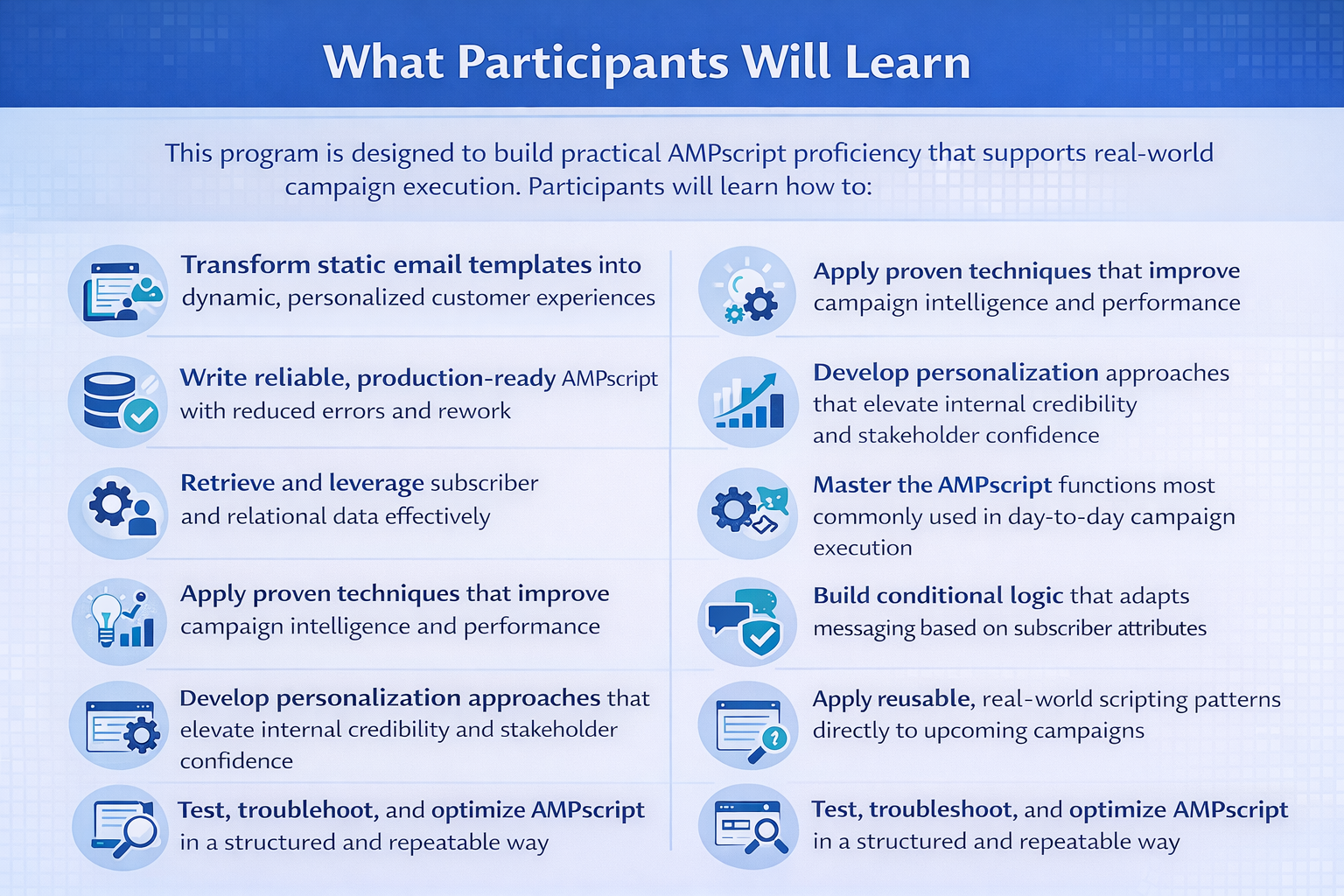
Through guided instruction and hands-on exercises, participants learn how to:
Personalize content safely and predictably
Work with related and relational data structures
Handle incomplete or inconsistent data without breaking campaigns
Build adaptable email experiences that respond dynamically to subscriber attributes
Control messaging logic, content blocks, layouts, and recommendations with confidence
The result is a stronger internal personalization capability — reducing reliance on external developers while increasing execution speed, flexibility, and quality control.
Prerequisites: A general understanding of Marketing Cloud, its tools and features and a desire to create dynamic and highly personalized emails and landing pages. We recommend taking Marketing Cloud Foundations (MFC100) before taking this training.
-
What learners will understand:
What AMPscript is and when to use it
Where AMPscript lives inside an email
How AMPscript runs at send time
Basic syntax structure (%%[ ]%% and %%= =%%)
Variables and output
Hands-on practice:
Create a variable
Output it into a sentence
Fix a broken AMPscript block
-
What learners will learn:
Using AttributeValue()
Storing subscriber attributes in variables
Outputting attributes safely
Applying fallback logic for missing data
Cleaning messy data (Trim + ProperCase)
Hands-on practice:
Personalized greeting with fallback
Clean messy name values
Replace blank City with “your area”
-
What learners will learn:
IF / ELSE / ENDIF
Comparison operators
Translating system values (TRUE/FALSE → Yes/No)
Creating flags to show/hide content modules
Writing readable conditional logic
Hands-on practice:
Loyalty tier messaging
VIP badge display
Hide entire order section if no order exists
-
What learners will learn:
Lookup() vs LookupRows()
Pulling order data from a related Data Extension
Safely handling empty lookup results
Understanding single-row vs multi-row logic
Hands-on practice:
Retrieve stroller model
Format order date
Create a “hasOrder” flag
-
What learners will learn:
Formatting dates
Formatting currency
Building sentences with Concat()
Creating derived values (e.g., warranty expiration date)
Separating raw data from display logic
Hands-on practice:
Display formatted price
Display formatted date
Build dynamic marketing sentence
-
What learners will learn:
Using LookupRows()
Counting rows with RowCount()
Looping through results safely
Limiting output (Top 3 accessories)
Handling “no results” gracefully
Hands-on practice:
Display accessory list as bullets
Fallback CTA when no accessories exist
-
What learners will learn:
Populating HTML tables with AMPscript
Filling table cells dynamically
Conditional image swapping
Keeping logic and layout cleanly separated
Hands-on practice:
Build order summary table
Display dynamic hero image based on model
-
Learners combine everything into one complete email:
Includes:
Clean personalized greeting
Order summary table
Formatted date and price
Loyalty-based messaging
Accessory recommendations
Safe fallbacks everywhere
Outcome:
A production-ready personalized RollerBaby email template. -
This course includes a downloadable workbook that includes all course slides and exercises.
This course is live and instructor led, and is available in different US time zones at different times. See our schedule for this course above. Interested in a private training for your team? We offer both virtual and on-site training customized to fit your organization’s unique needs. Please send us a note outlining those needs and we will be happy to work with you to get things started.
Ask us about our special discount for our friends who work in education.